See it in use
Live demos
Explore a branded retail dashboard, follow live imports and review a completed audit. See how tables, plots, reports and logs work together in plotsrv.
These public demos are read-only and use synthetic data.
01 / Explore data
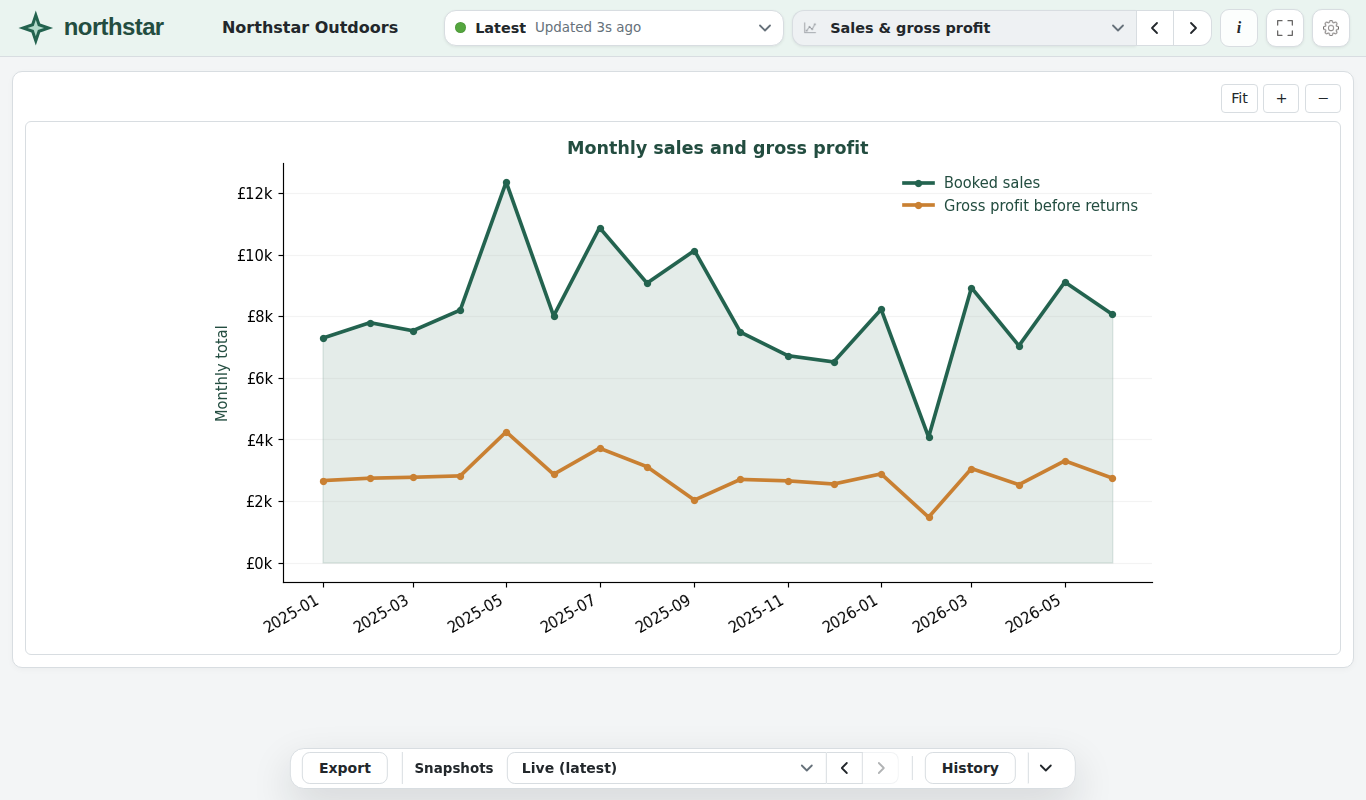
Northstar Outdoors
Explore seasonal sales, product returns and delivery times. Drill into the orders, compare saved reports and inspect watched operations logs.
The UI uses the logo and colours of Northstar Outdoors, a fictional company.
02 / Watch live work
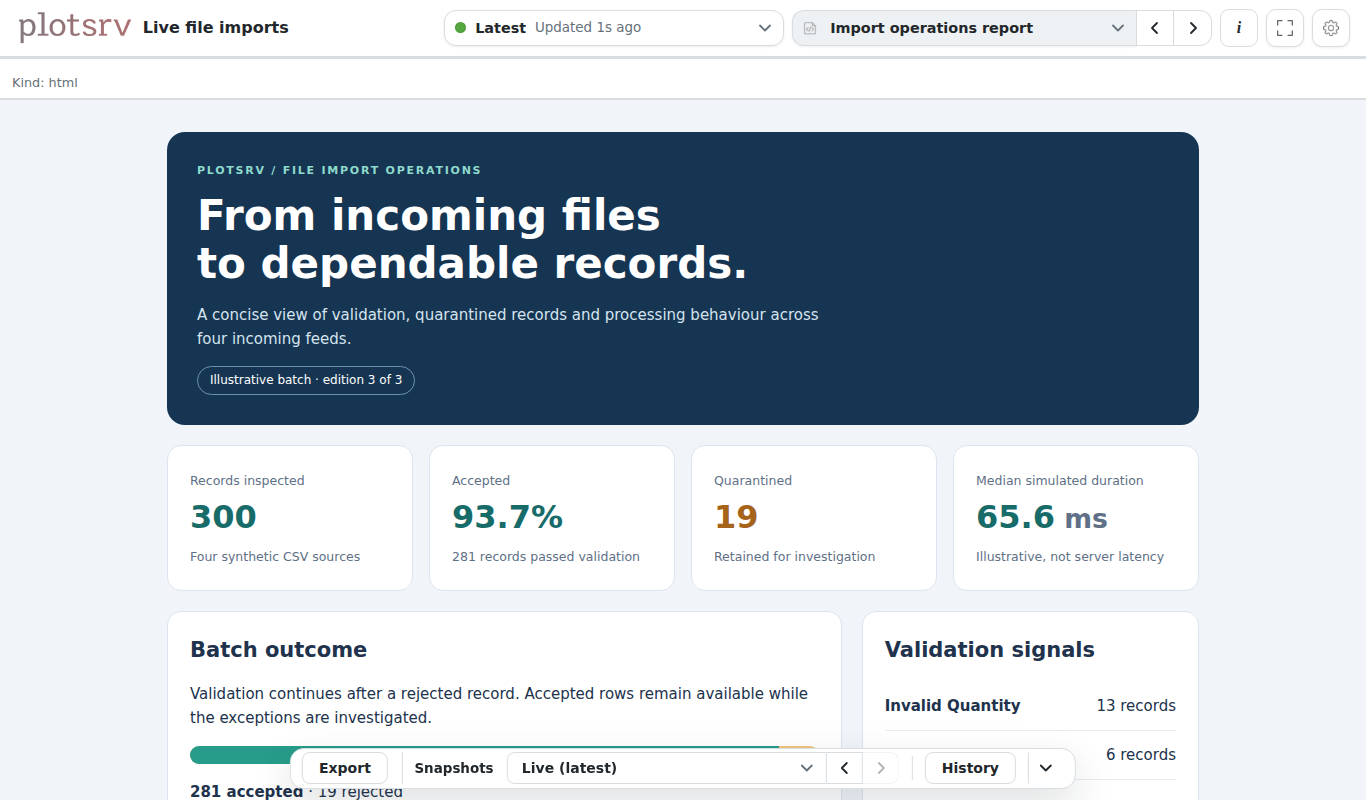
Follow a file import
Watch validation events arrive in a live stream, then explore prepared import tables, exception records, charts and a colourful HTML operations report.
Compare saved report snapshots and see a deliberately stale manifest.
03 / Return later
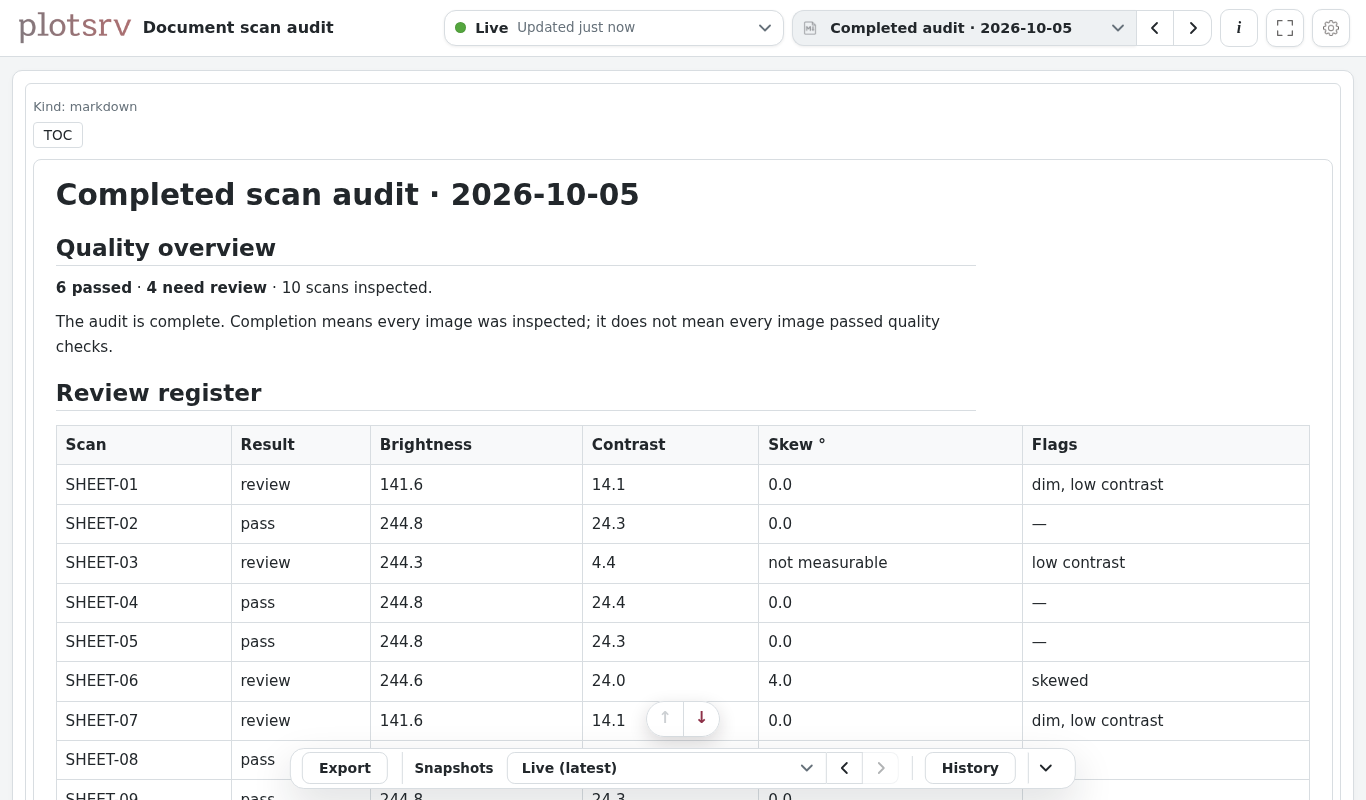
Review a completed scan audit
Review a completed daily audit, inspect the scanned images and compare quality findings with the previous run.
An intentionally dim scan triggers a failed data check. The Markdown report explains what needs attention.